1
/
of
7
Biwico Studios
Revit Family Masterclass: From Fundamentals to Complex Assemblies
Revit Family Masterclass: From Fundamentals to Complex Assemblies
Regular price
$79.00 SGD
Regular price
Sale price
$79.00 SGD
Unit price
/
per
Couldn't load pickup availability
Master the complete professional workflow for Revit Family creation. This 2-hour course provides a structured path from understanding Revit's family hierarchy to building high-level, data-driven engineering components.
What You Will Learn
The course is divided into three distinct phases of mastery:
- Phase 1: The Foundation - Understanding Revit Family hierarchy, Instance vs. Type parameters, and the Revit Family environment.
- Phase 2: Core Geometric Tools - Master all 3D forms (Extrusion, Revolve, Sweep, Blend, and Swept Blend) and the crucial role of Reference Planes.
-
Phase 3: Advanced Logic & Exercises - Apply your knowledge through three hands-on projects:
- Standing Floor Lamp: Learn hosting types, radial arrays, and light source connectors.
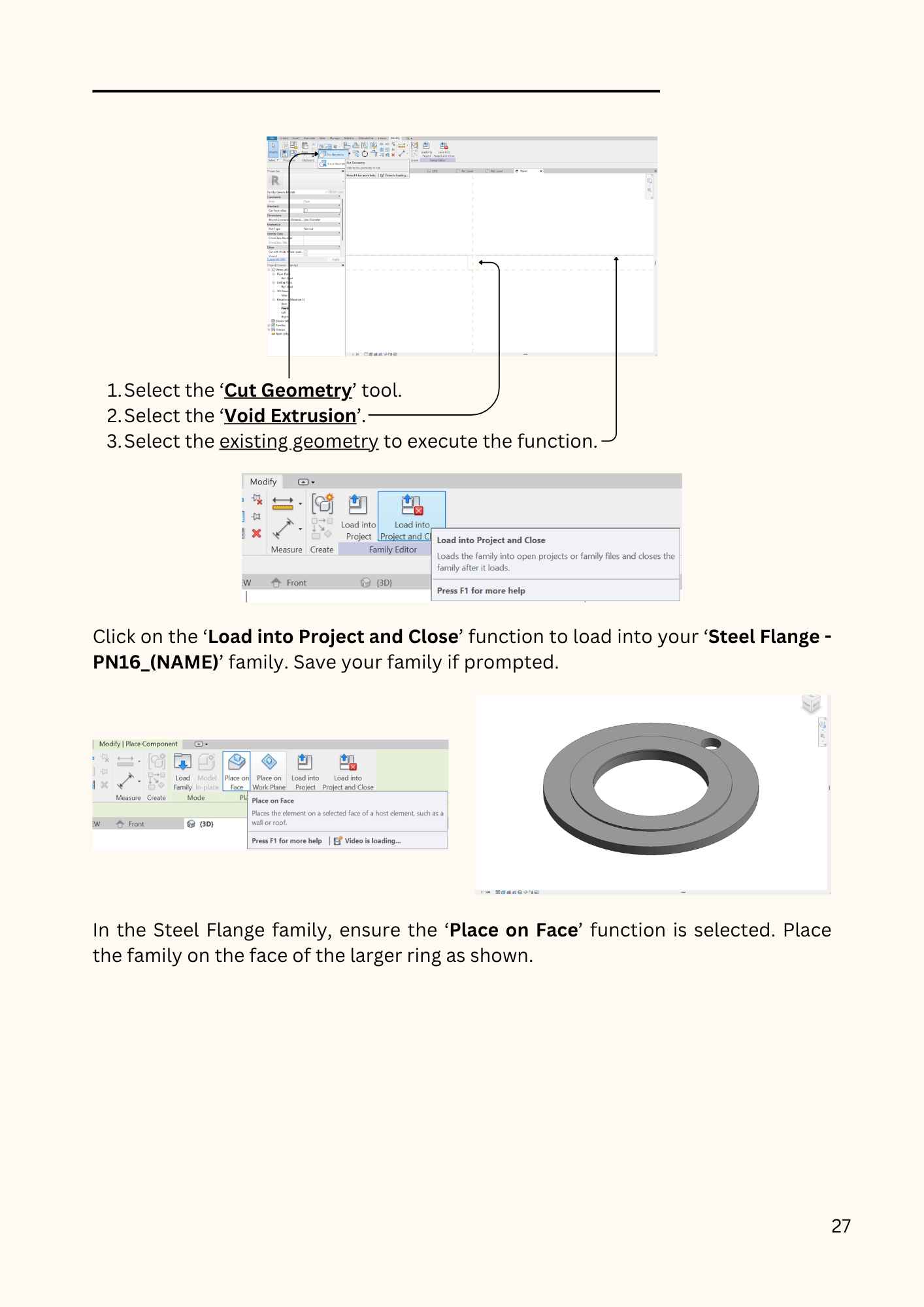
- Parametric Steel Flange: Master parameter formulas and Lookup Tables (.csv) to drive geometry.
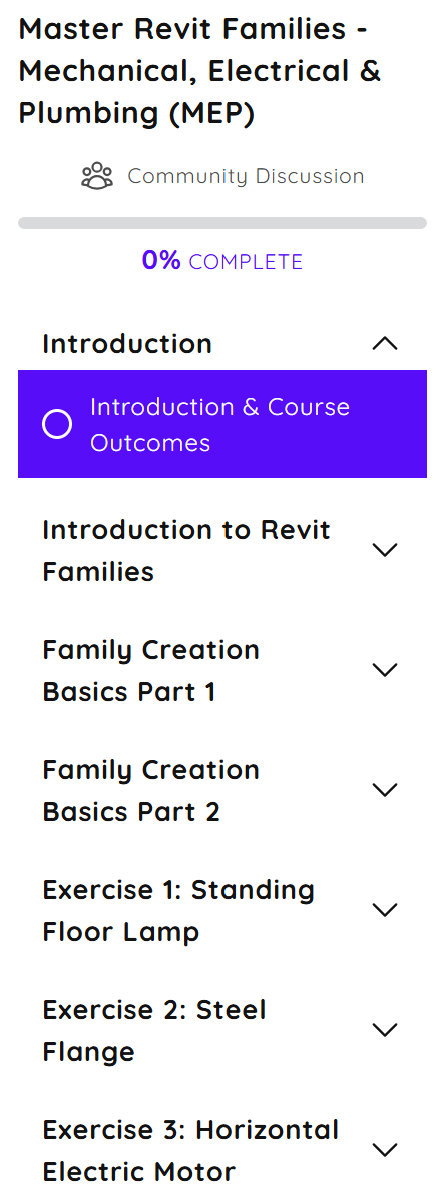
- Horizontal Electric Motor: Building a complex assembly using multiple Nested Families (Fins, Terminal Box, Screws) and CAD imports.
Technical Assets Included
- The Revit Masterclass Guidebook (PDF): A comprehensive manual containing the technical data, dimensions, and formulas required to build the course projects.
- Custom Lookup Table (.csv): The exact data file used to drive the Steel Flange dimensions. It is yours to keep and adapt for professional use!
- Step-by-Step Video Instruction: 2 hours and 2 minutes of structured, technical training.
Curriculum Overview
- Revit Family Hierarchy: Understanding the logic of how Revit organizes data.
- Hosting Types: Face-based, Wall-based, Ceiling-based, and Work Plane-based logic.
- Advanced Arrays: Mastering Radial and Parametric arrays.
- Nested Families: How to host and assemble multiple sub-families into one complex motor.
- The Pro Workflow: Material parameters, assigning OmniClass numbers, and final Assembly.
Community & Trainer Support
Have a question about a specific hosting type or a formula error?
- Instructor Support: Gain access to the Biwico Studios' Autodesk Software community for direct answers and technical guidance as you progress through the course.
Technical Details
- Course Duration: 2h 2m 4s
- Software Version: Created in Revit 2024 (Methods compatible with Revit 2020-2026)
- Format: Digital Download
Share